Setup: Nodana
Nodana is a managed hosting platform for Bitcoin applications. It handles server provisioning, networking, and TLS — you just pick a template and deploy. This is the fastest way to get a Fedimint guardian node running.
Prerequisites
- A Nodana account (you can sign up with Lightning or GitHub)
Create an Account
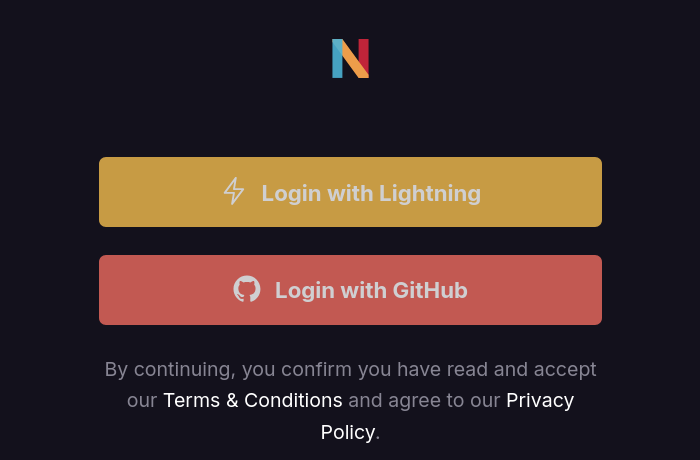
Go to nodana.io and log in with either Lightning or GitHub.
Add Balance
After logging in, navigate to the Balance page. Nodana charges per time of usage — the Fedimintd template costs approximately $10/month ($0.34/day). Use the slider to choose a top-up amount and click Create Invoice to get a Lightning invoice, then pay it with your wallet.
Create a Project
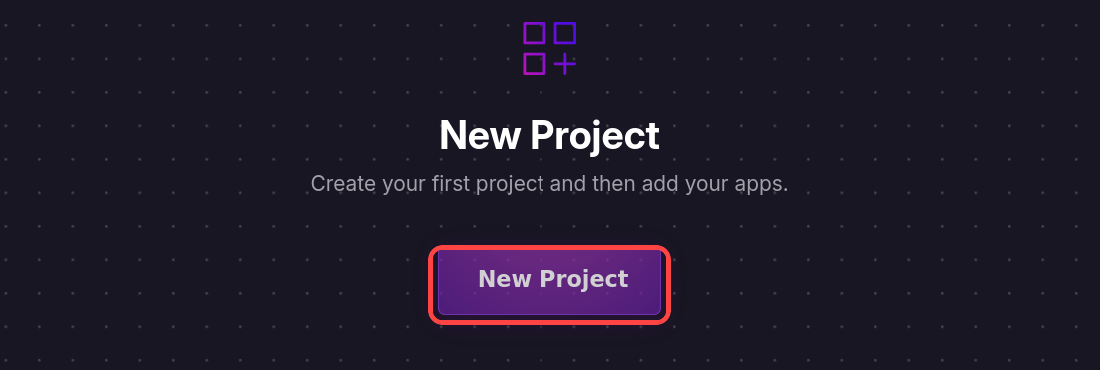
Navigate to Projects in the top navigation bar and click New Project and then open the newly created project.
Deploy Fedimintd
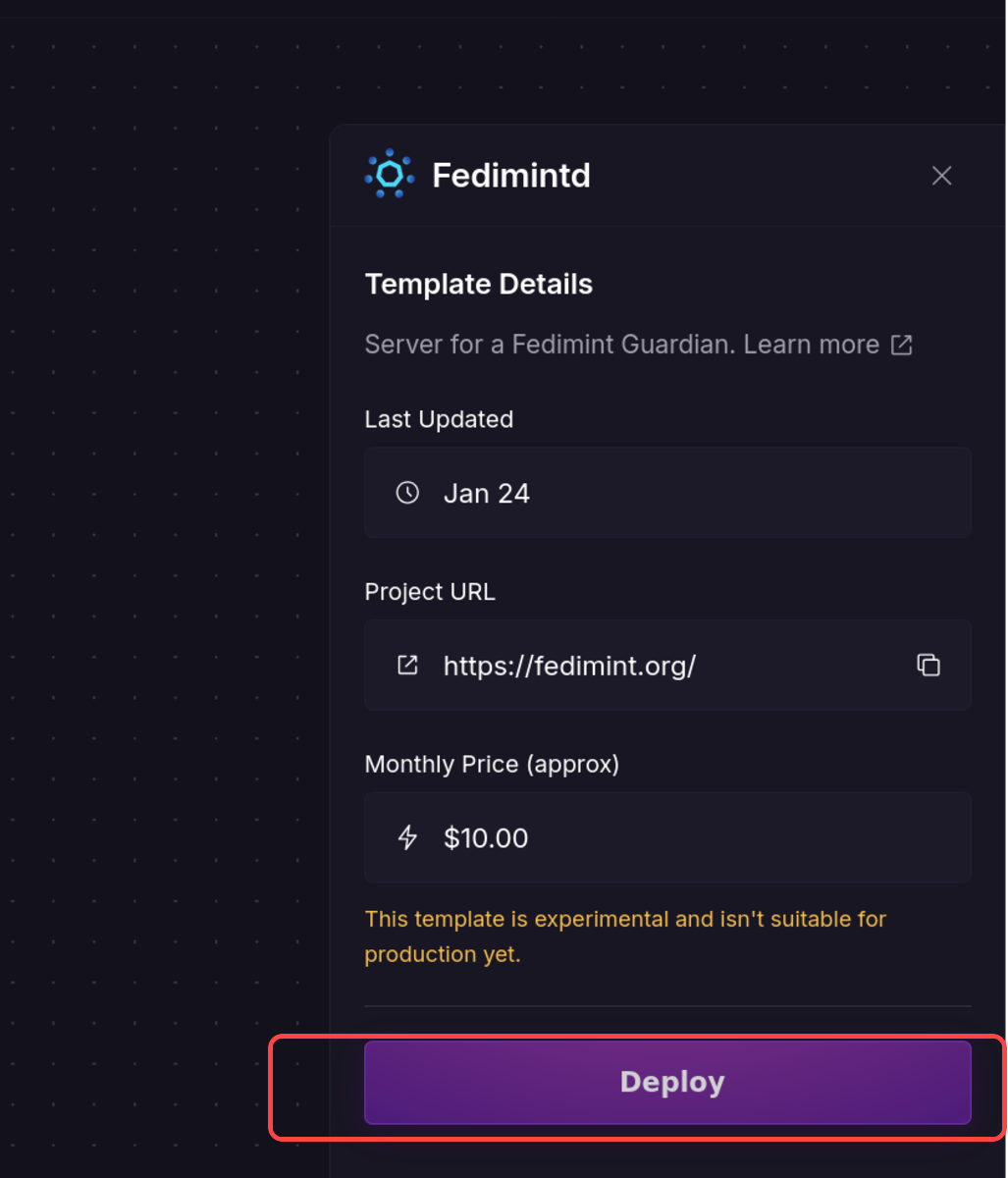
From the app template list, select Fedimintd. Review the template details — it shows the monthly price and a link to learn more. Click Deploy to launch your guardian node.
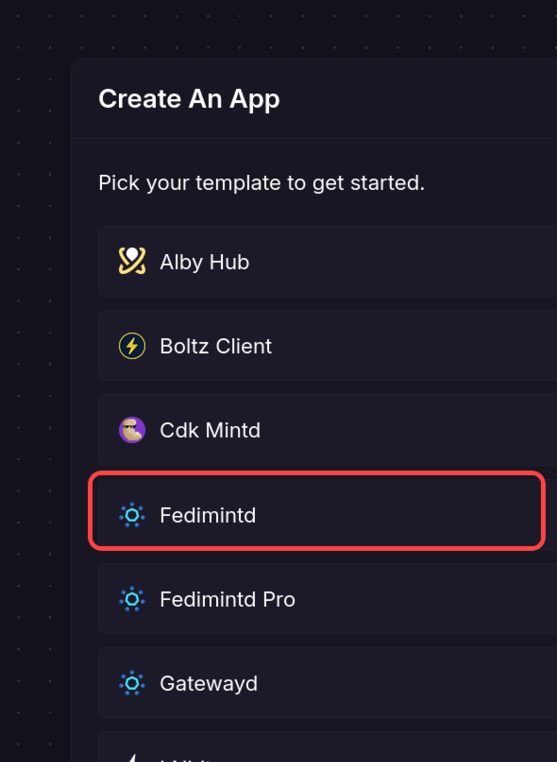
Nodana also offers a Fedimintd Pro template ($25/month) with more resources. For most federations the standard template is sufficient.
Verify Deployment
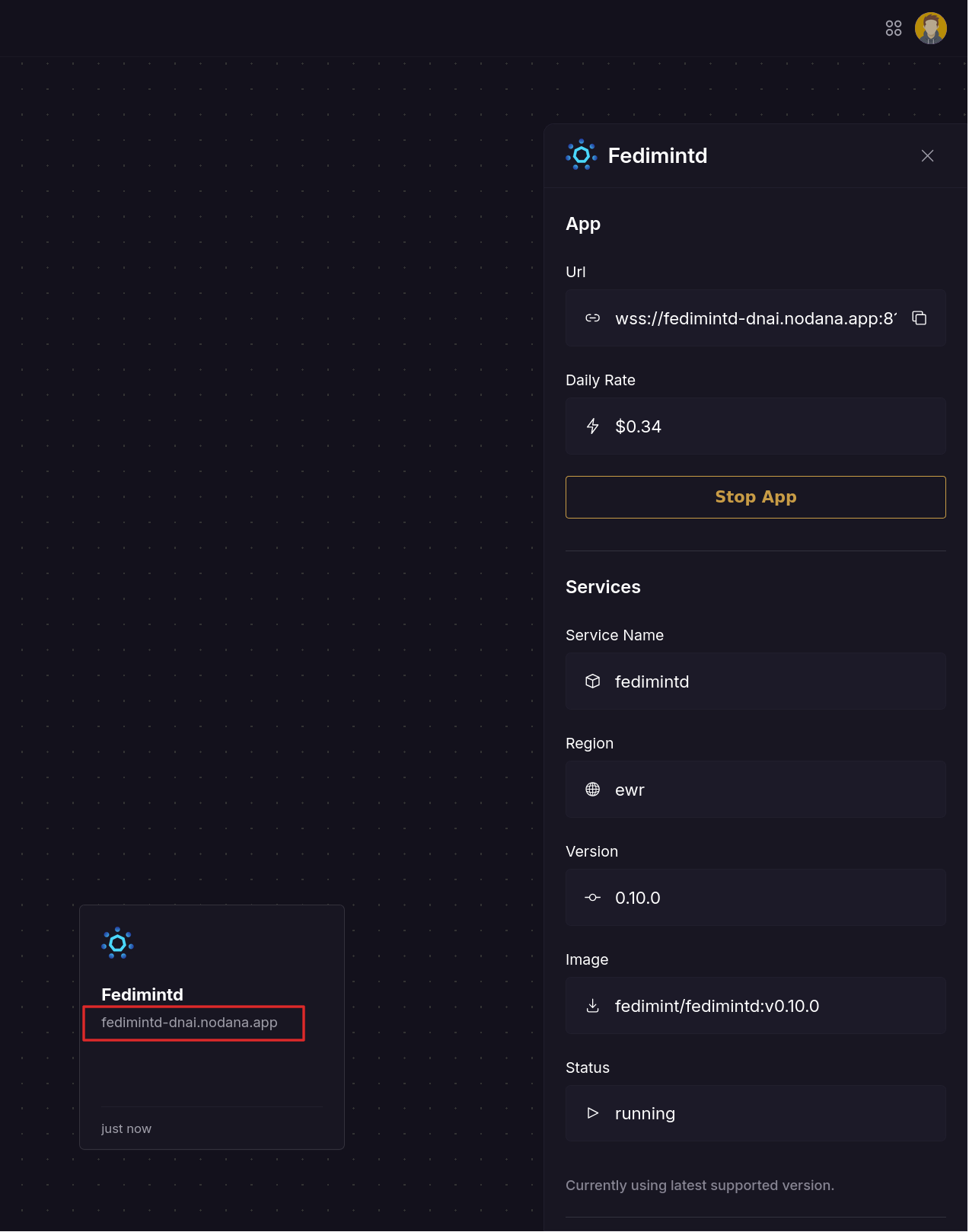
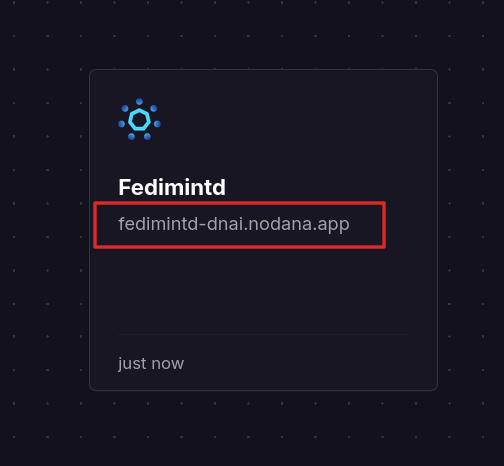
After a few seconds, your app will show as running. The details panel shows the version (0.10.0) and status. Note that for the setup ceremony all guardians have to be on the same version. To open the Guardian UI click the link in the service box (highlighted in red).
Access the Guardian UI
Click the project URL shown in the Nodana dashboard (or the card on the left) to open the Fedimint Guardian UI in your browser. You should see the setup page.
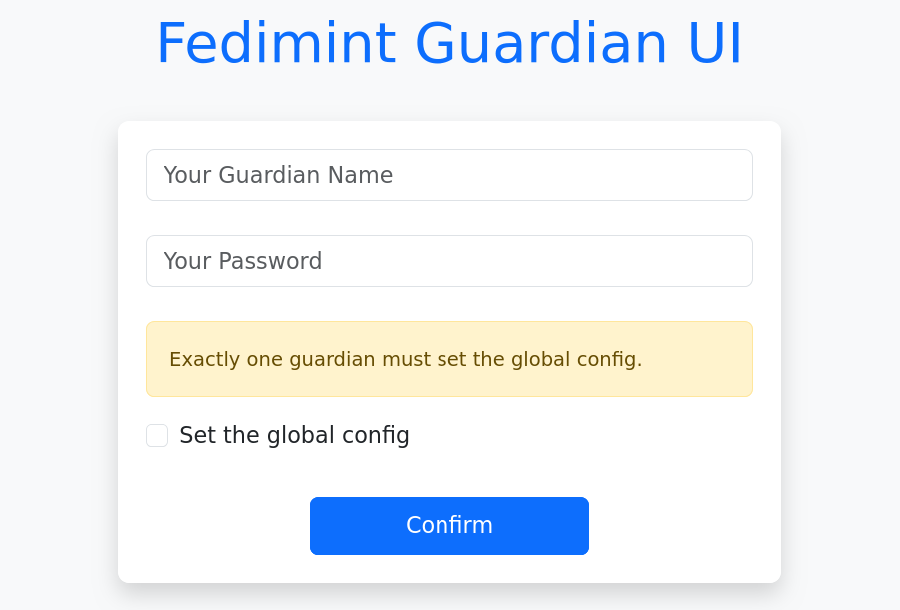
From here, follow the Founding a Federation guide with your fellow guardians to complete the federation setup.