Start9
Start9 is a personal server platform for self-hosting open-source software. Fedimint is available as a community-maintained service through the Start9 Community Registry.
Prerequisites:
- Access to a StartOS instance
Install Fedimint
Open the Marketplace
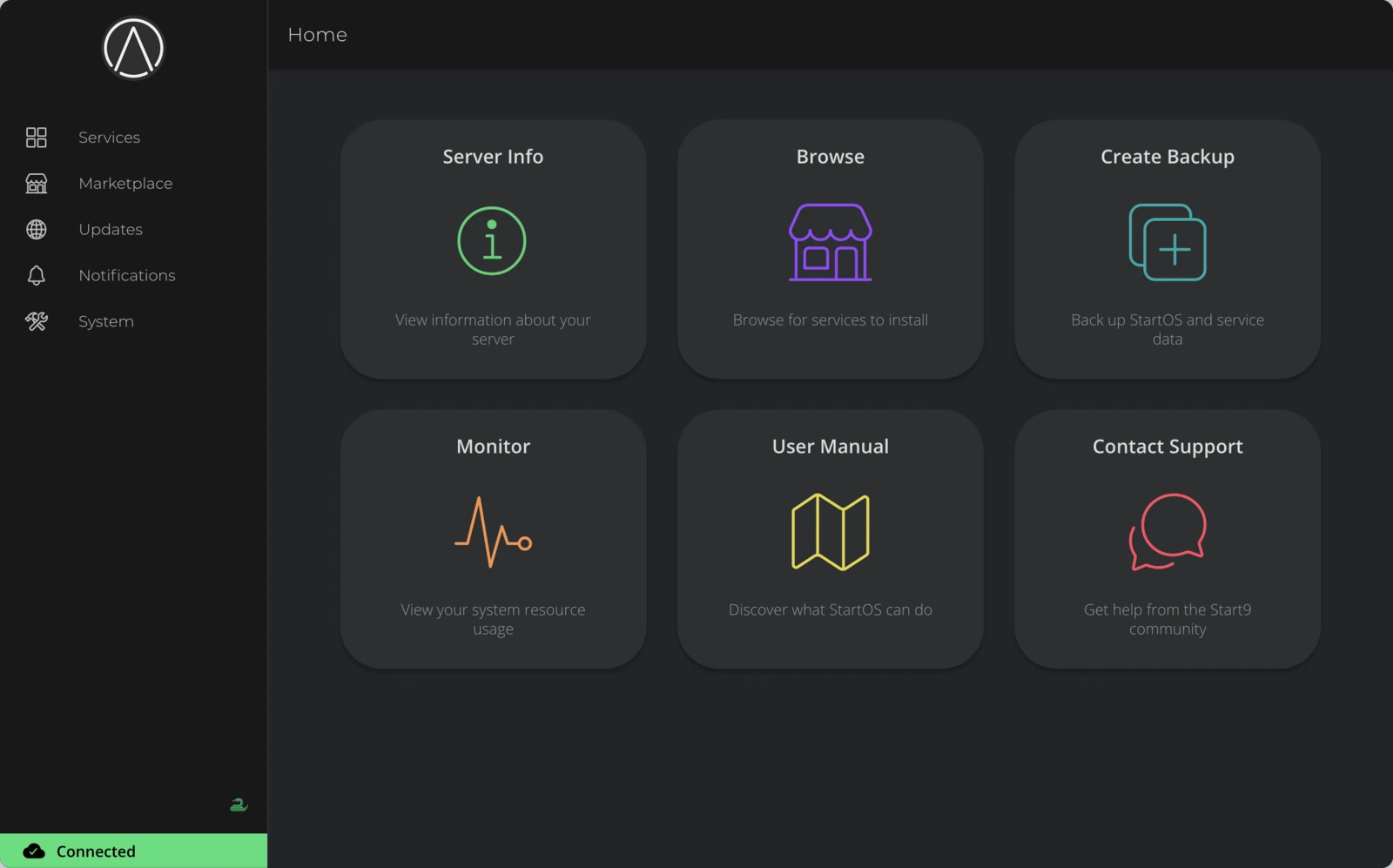
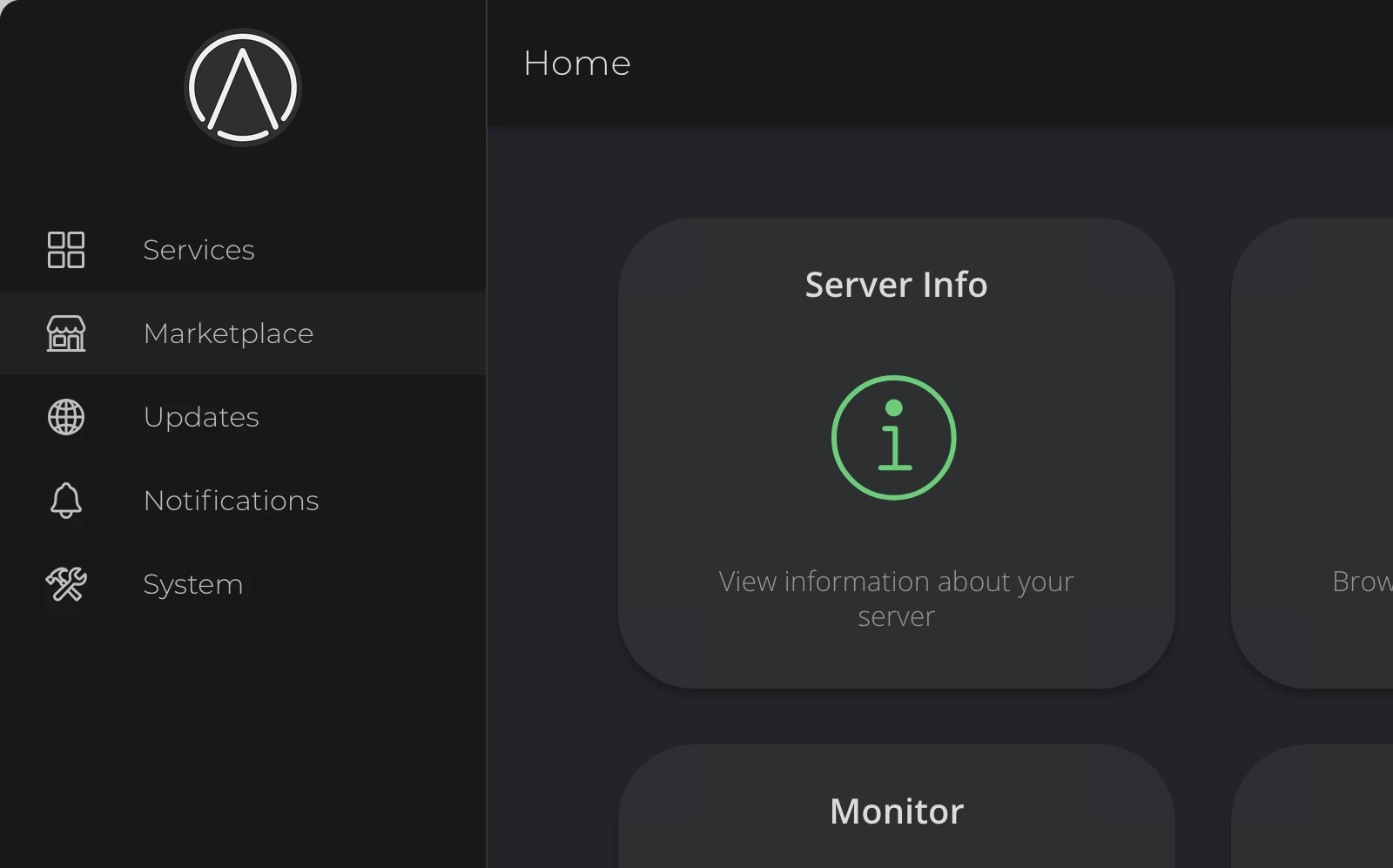
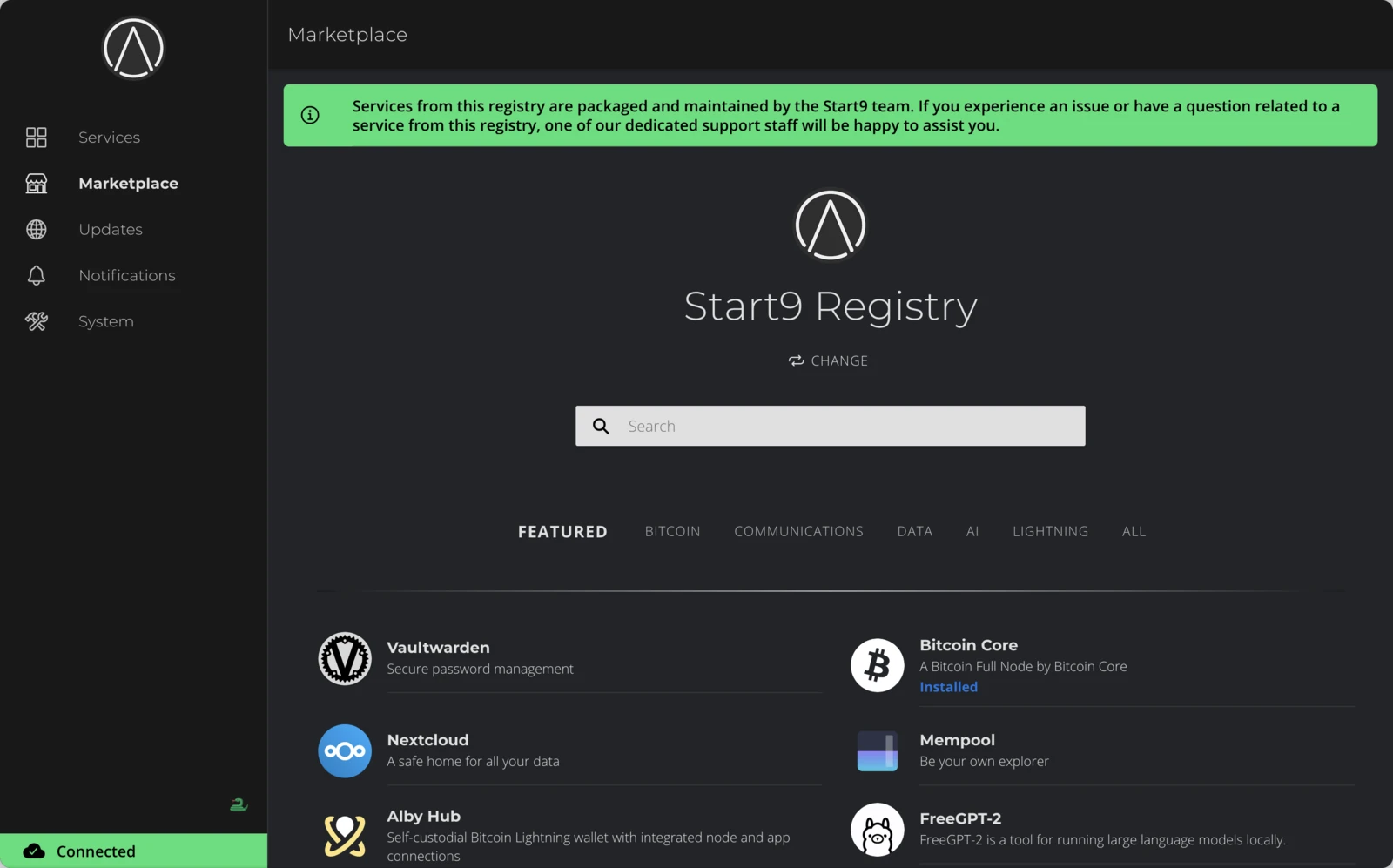
From the StartOS home screen, click Marketplace in the sidebar. This opens the Start9 Registry — the default source of apps maintained by the Start9 team.
Switch to Community Registry
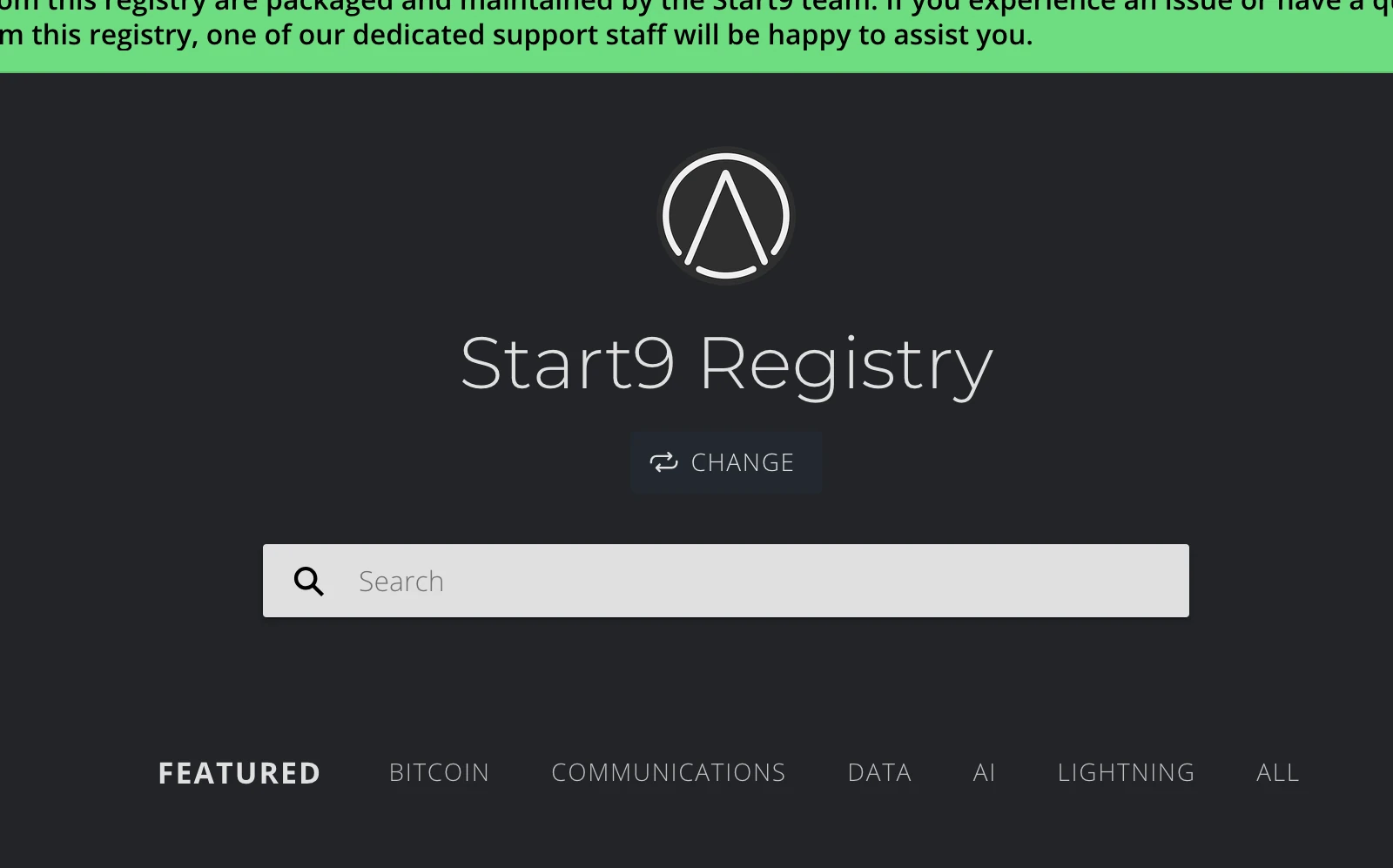
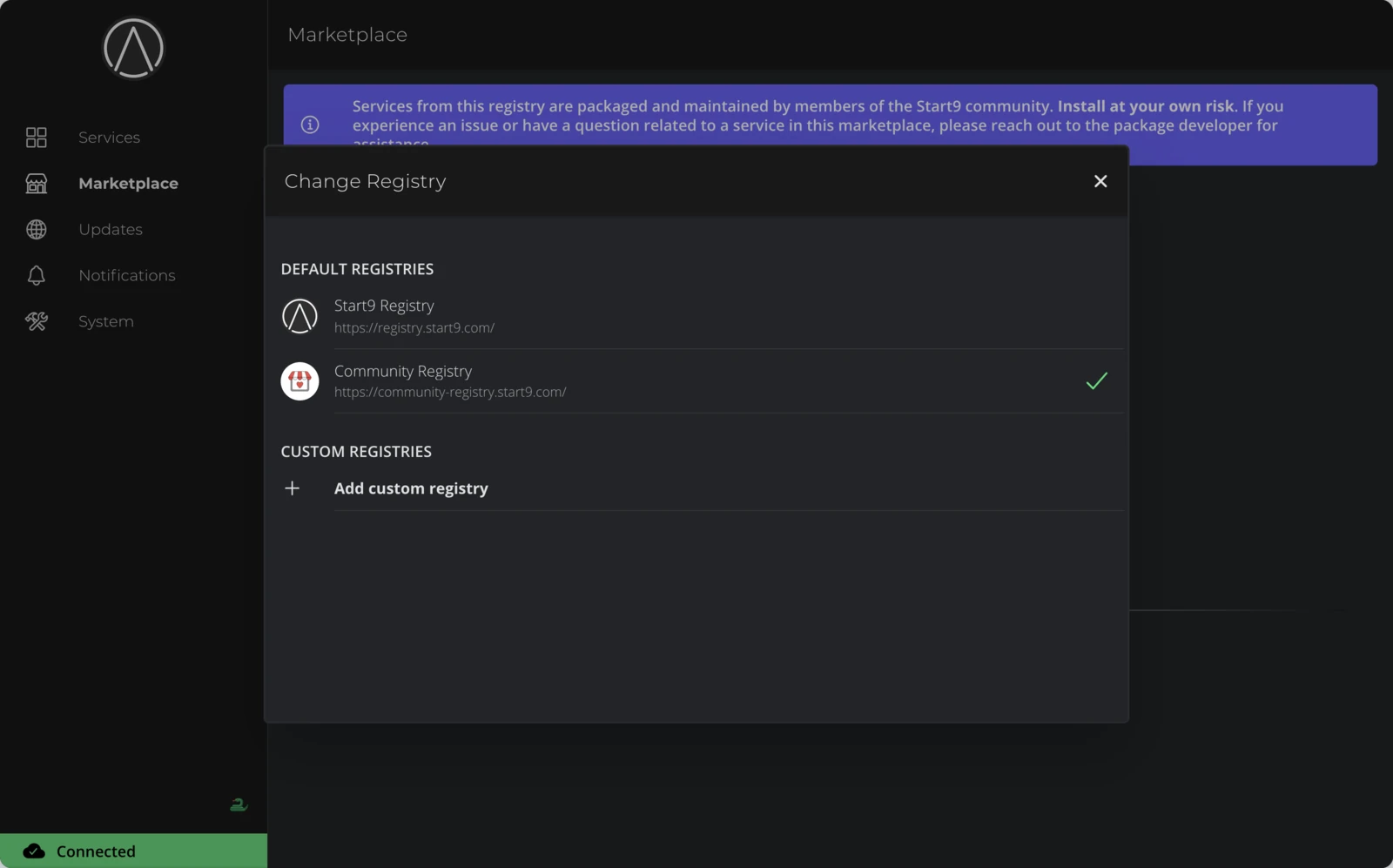
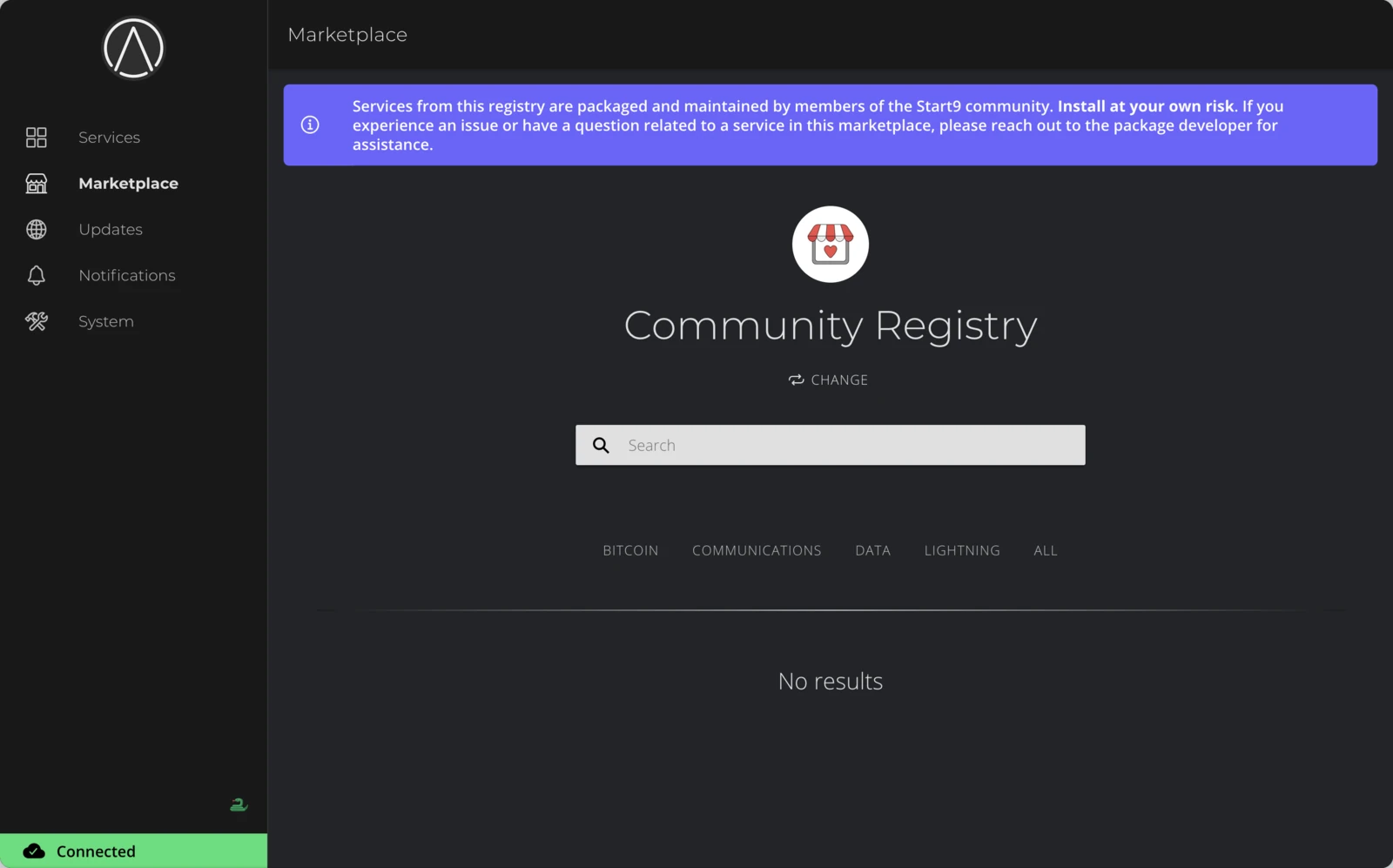
Fedimint is published in the Community Registry, not the default Start9 Registry. Click Change below the registry name, then select Community Registry.
Find Fedimint
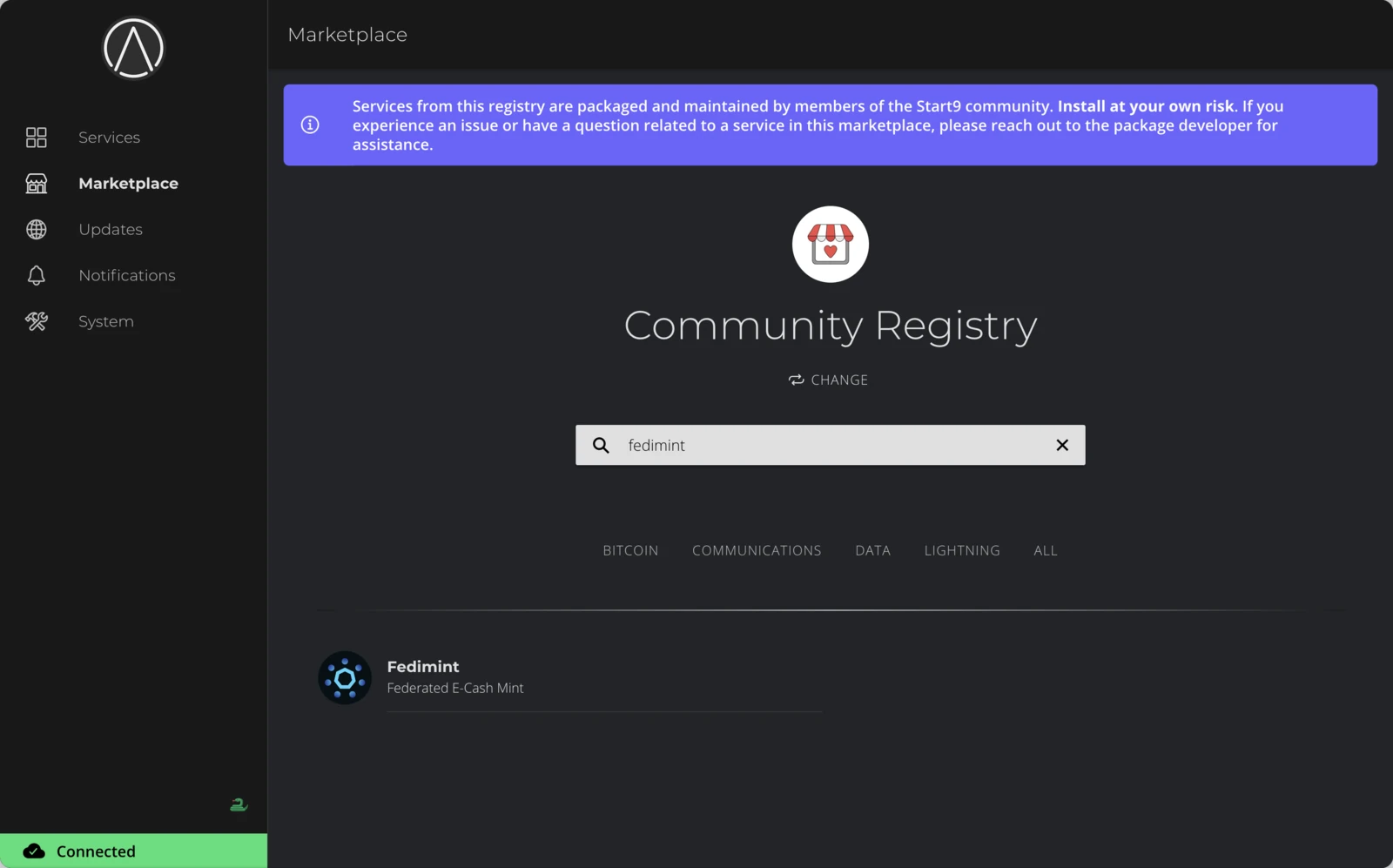
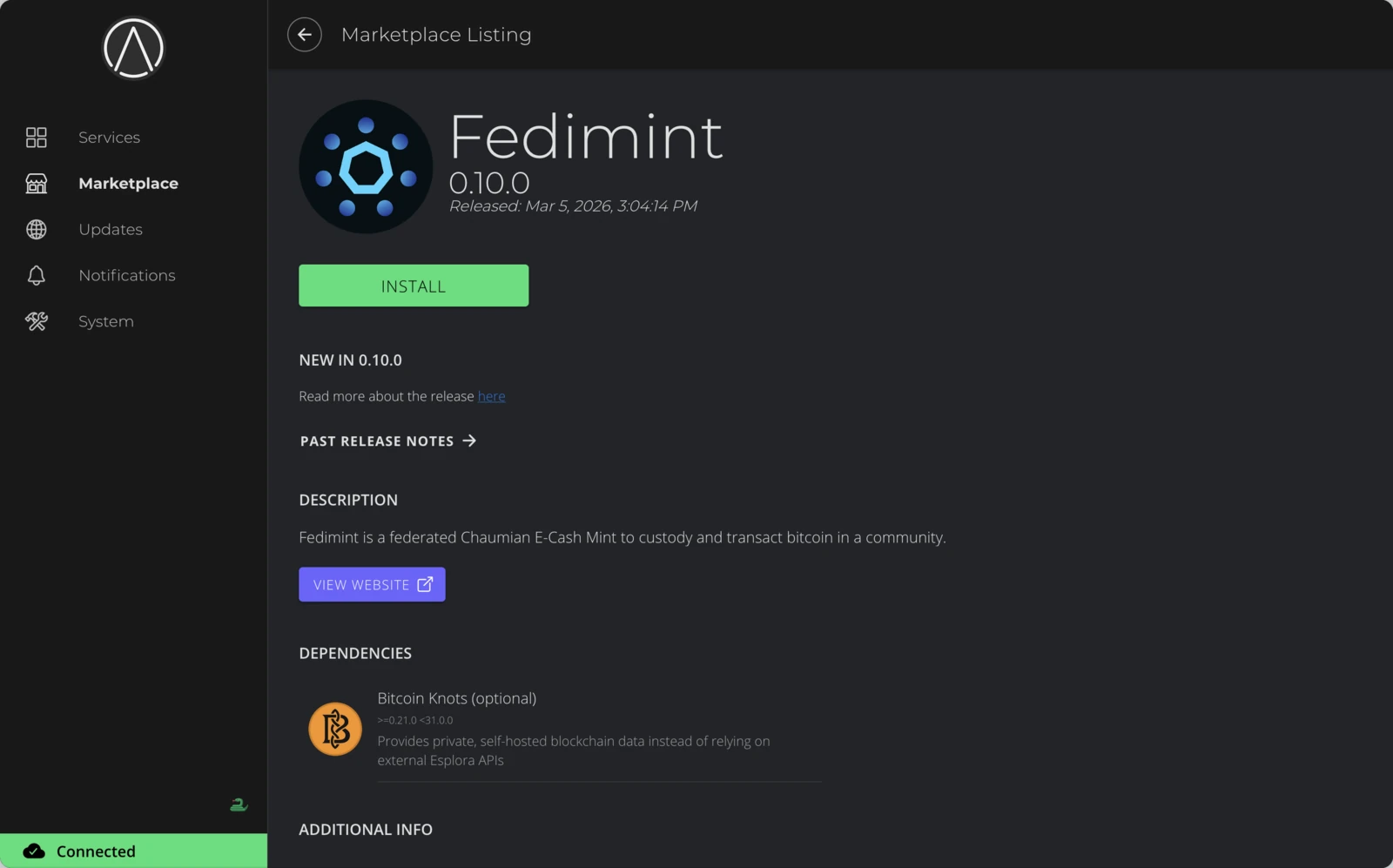
Search for fedimint in the Community Registry. Click the result to open the listing — you'll see version information, a description, and a Bitcoin node listed as a dependency.
The listing may show Bitcoin Knots specifically, but Fedimint works with any Bitcoin node available on StartOS (Bitcoin Core or Bitcoin Knots).
Install
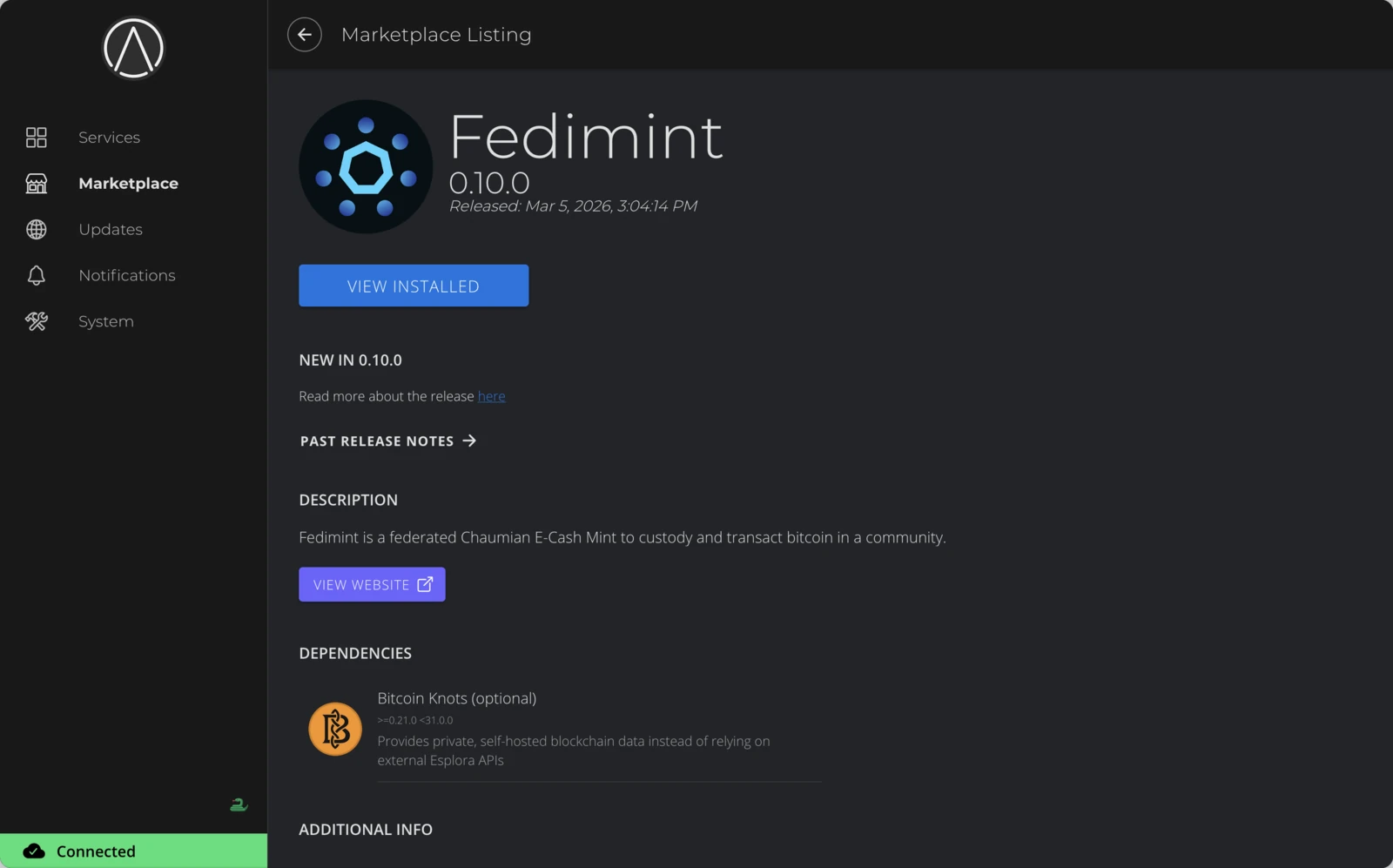
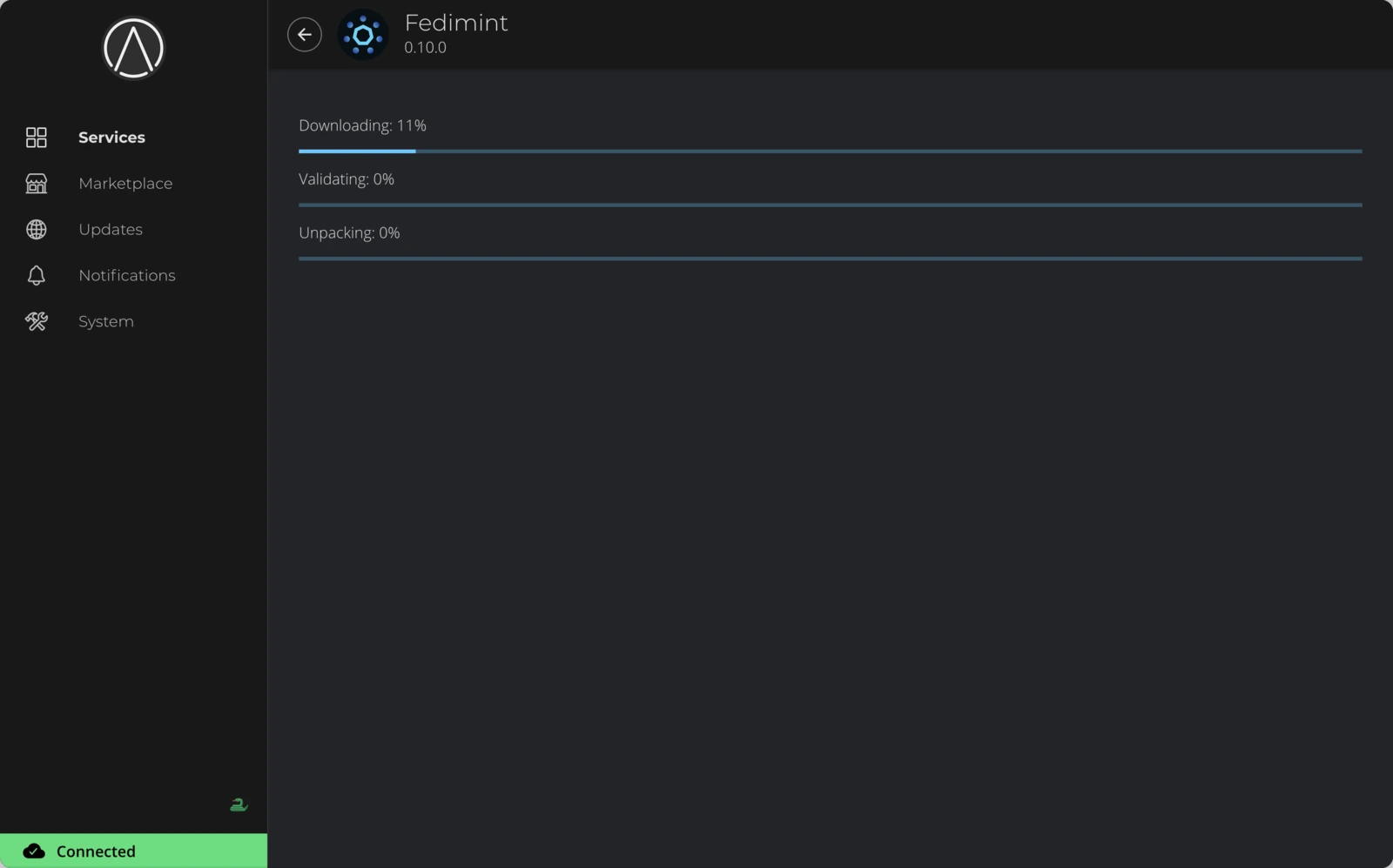
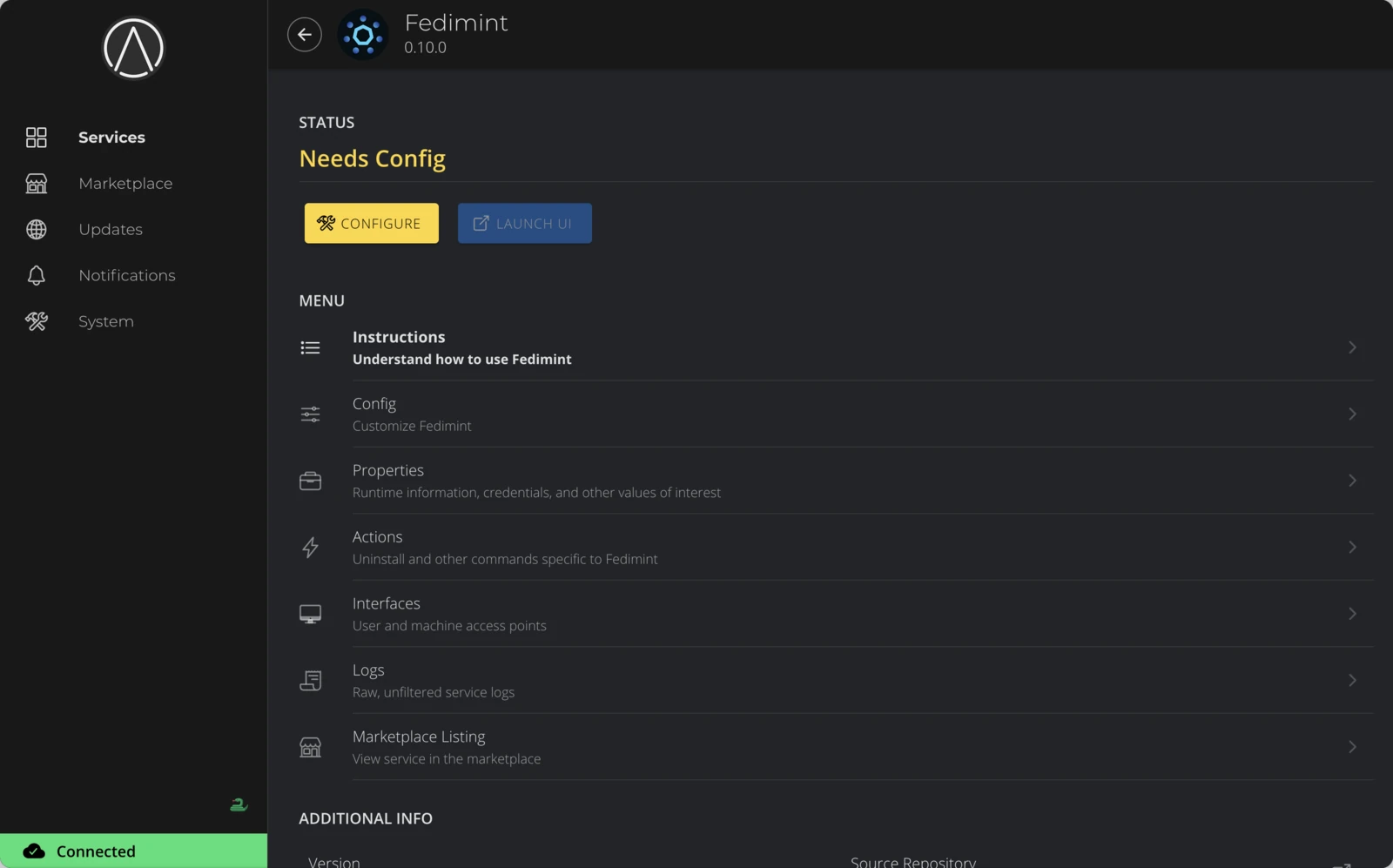
Click Install. Fedimint requires a Bitcoin node — if one is already installed, continue. If not, you'll need to install one first (Bitcoin Core or Bitcoin Knots) from the Marketplace and return here. After installation completes, Fedimint appears under Services with a Needs Config status.
Fedimint requires the Bitcoin node to be fully synced before it can operate. If you just installed a Bitcoin node, initial sync may take hours to days depending on your hardware. This does not apply if you configure Fedimint to use an Esplora API instead.
Configure and start
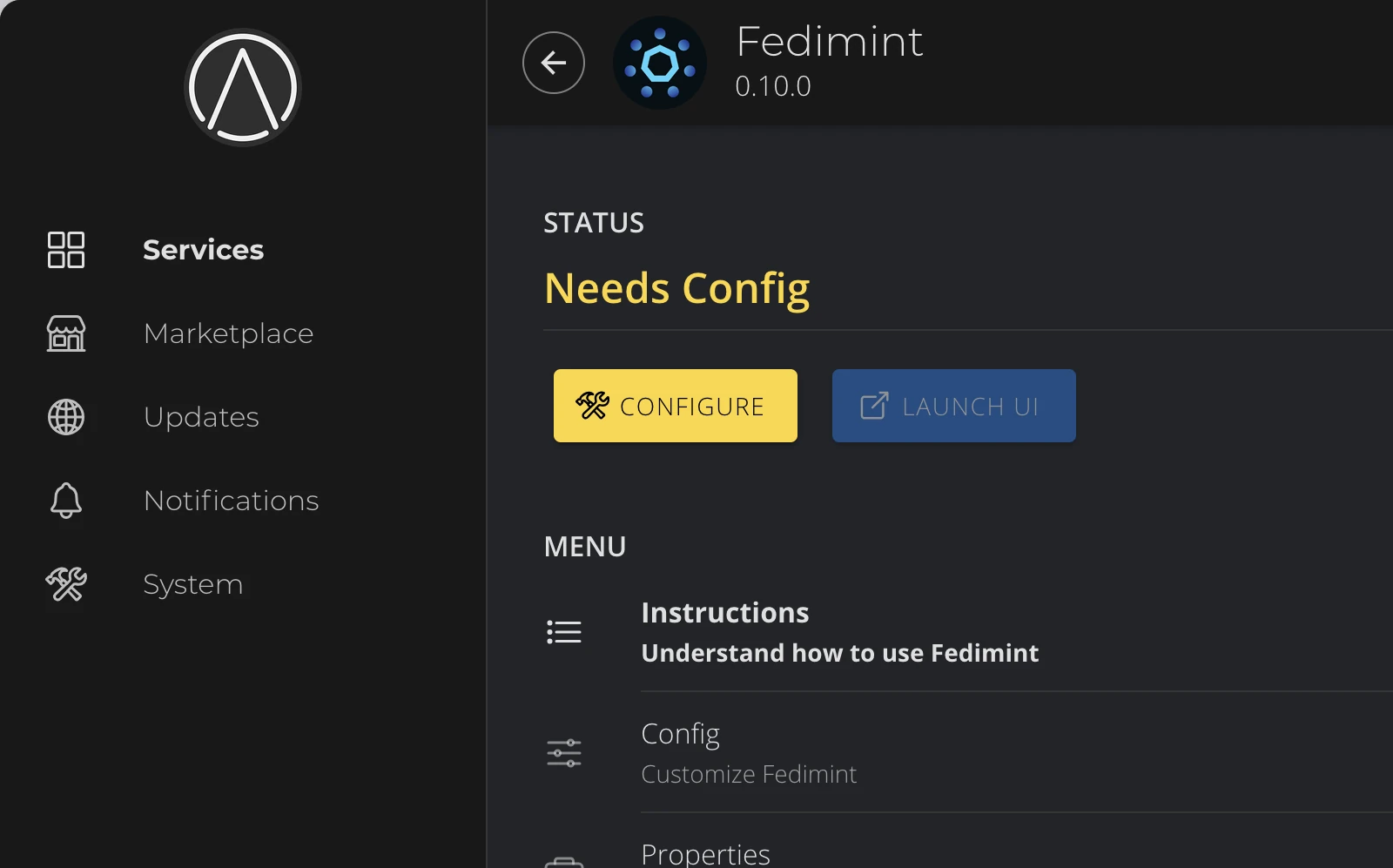
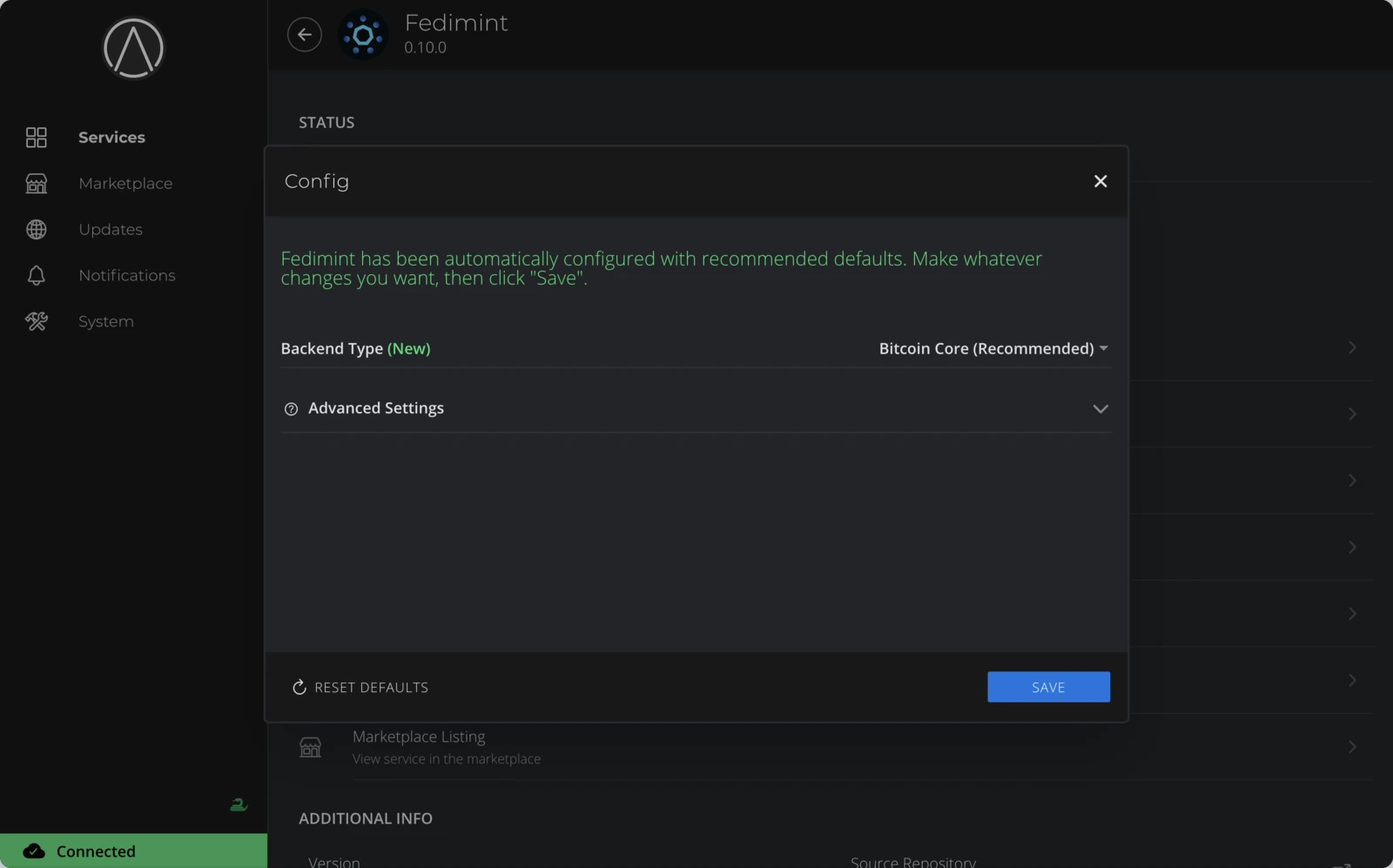
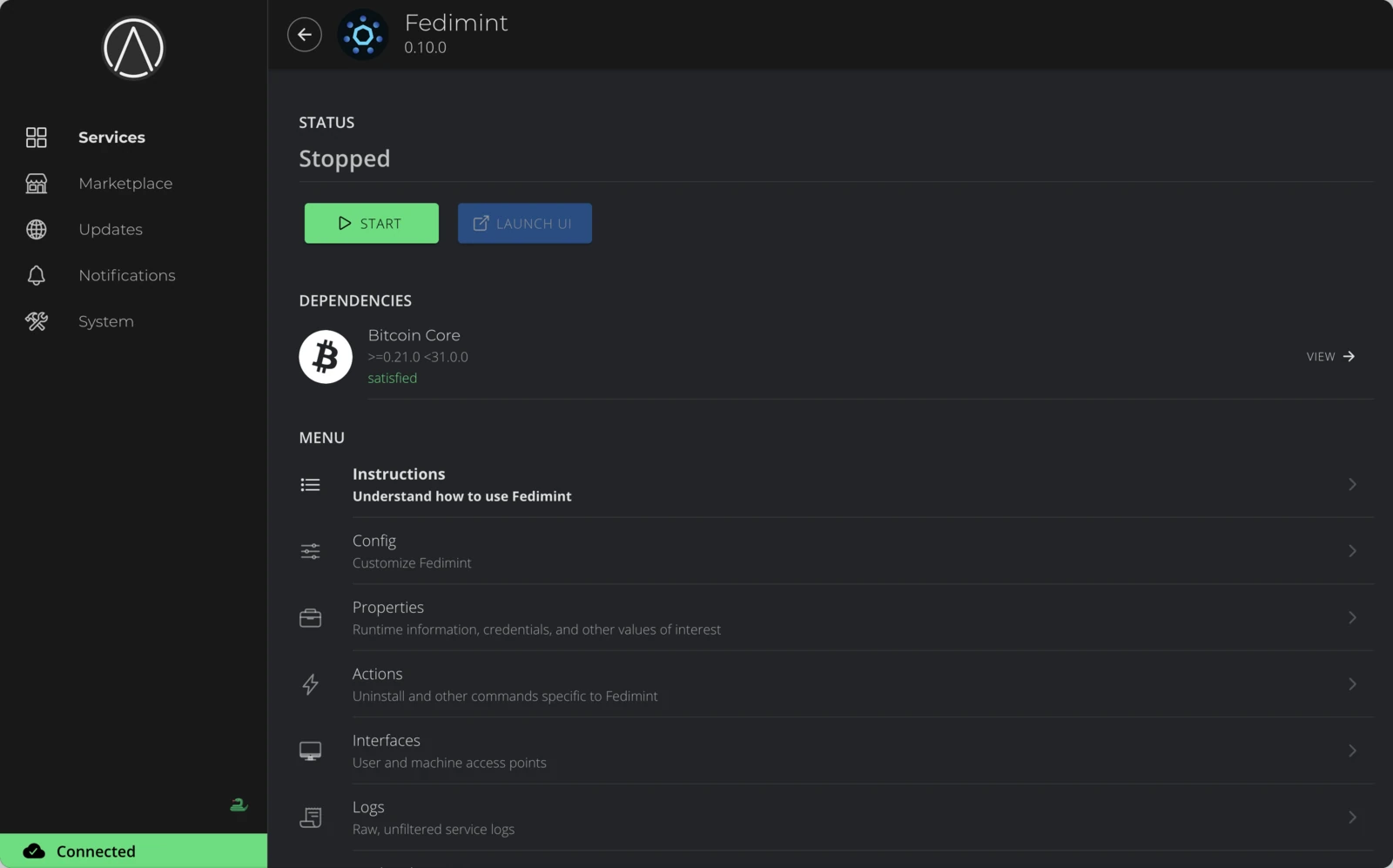
Click Configure to review the default settings before first launch — see Change configuration for details on each option. Click Save, then Start to launch Fedimint.
Open the Guardian UI
Launch the Guardian UI
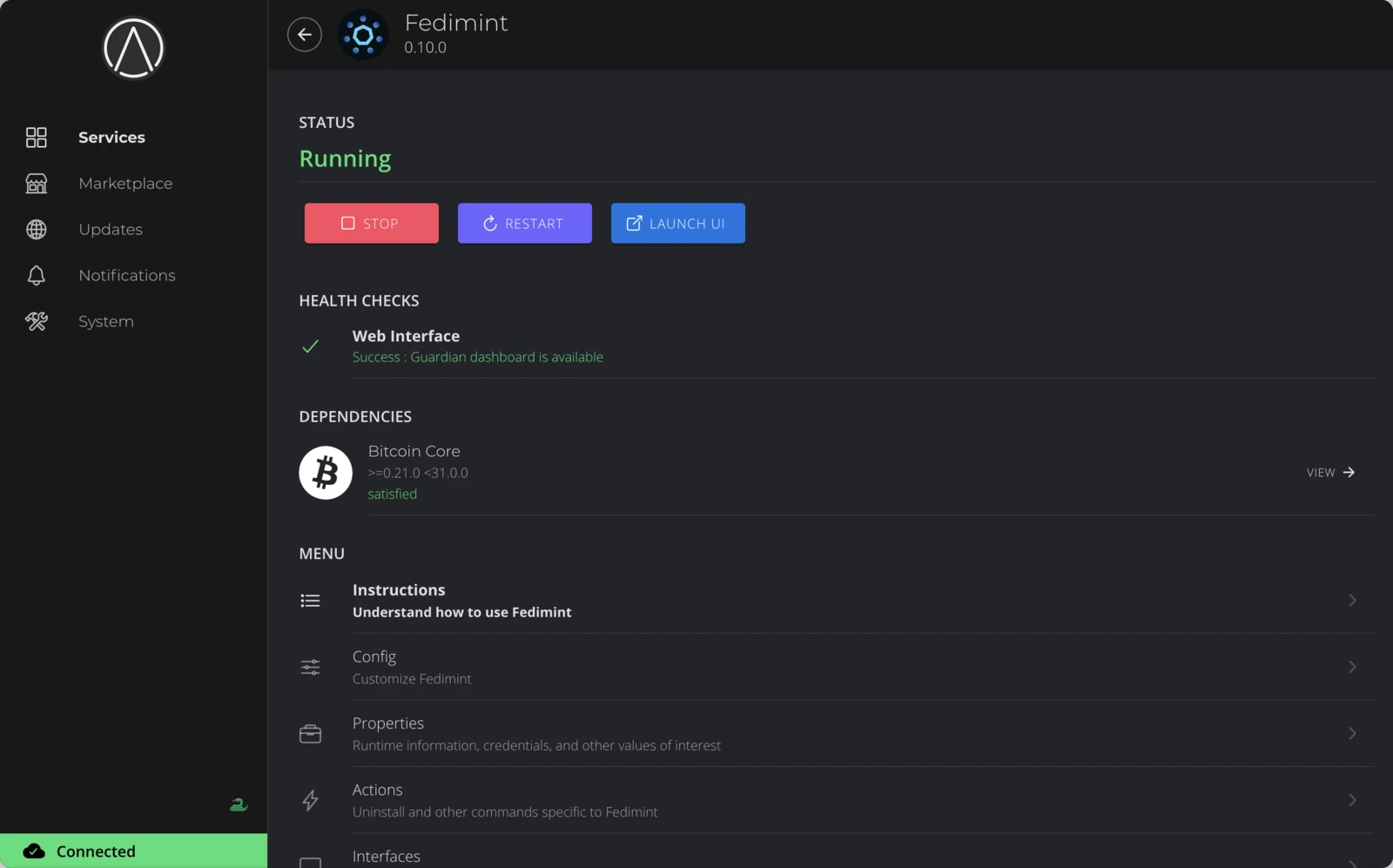
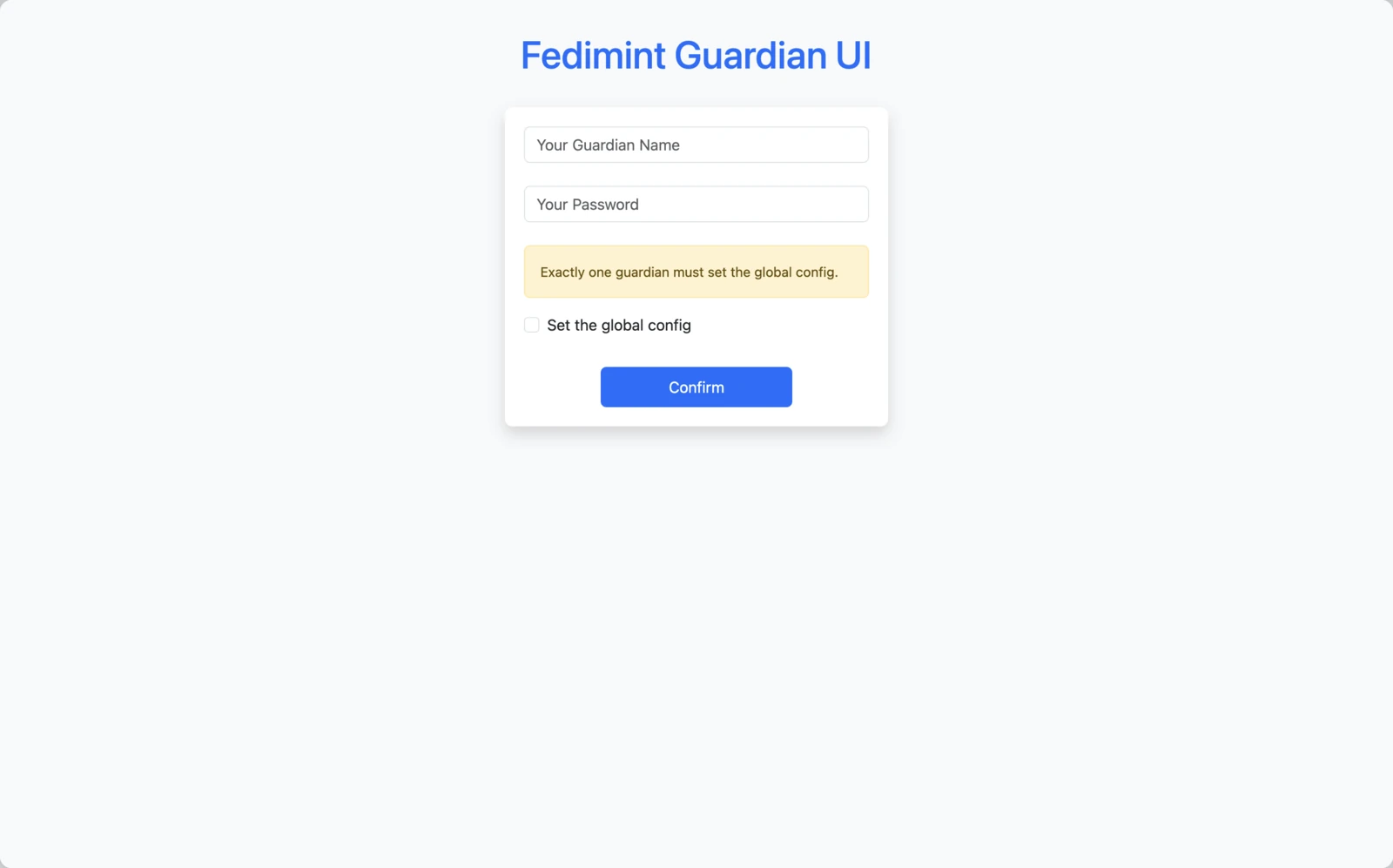
Once Fedimint is running, click Launch UI on the service page. This opens the Guardian UI — the web interface you'll use to set up and manage your federation.
The first time you open the Guardian UI, it walks you through the founding process. Follow the Founding a Federation guide to complete this with your co-guardians.
Operate Fedimint
All management options are available on the Fedimint service page under Services in the sidebar.
Management controls
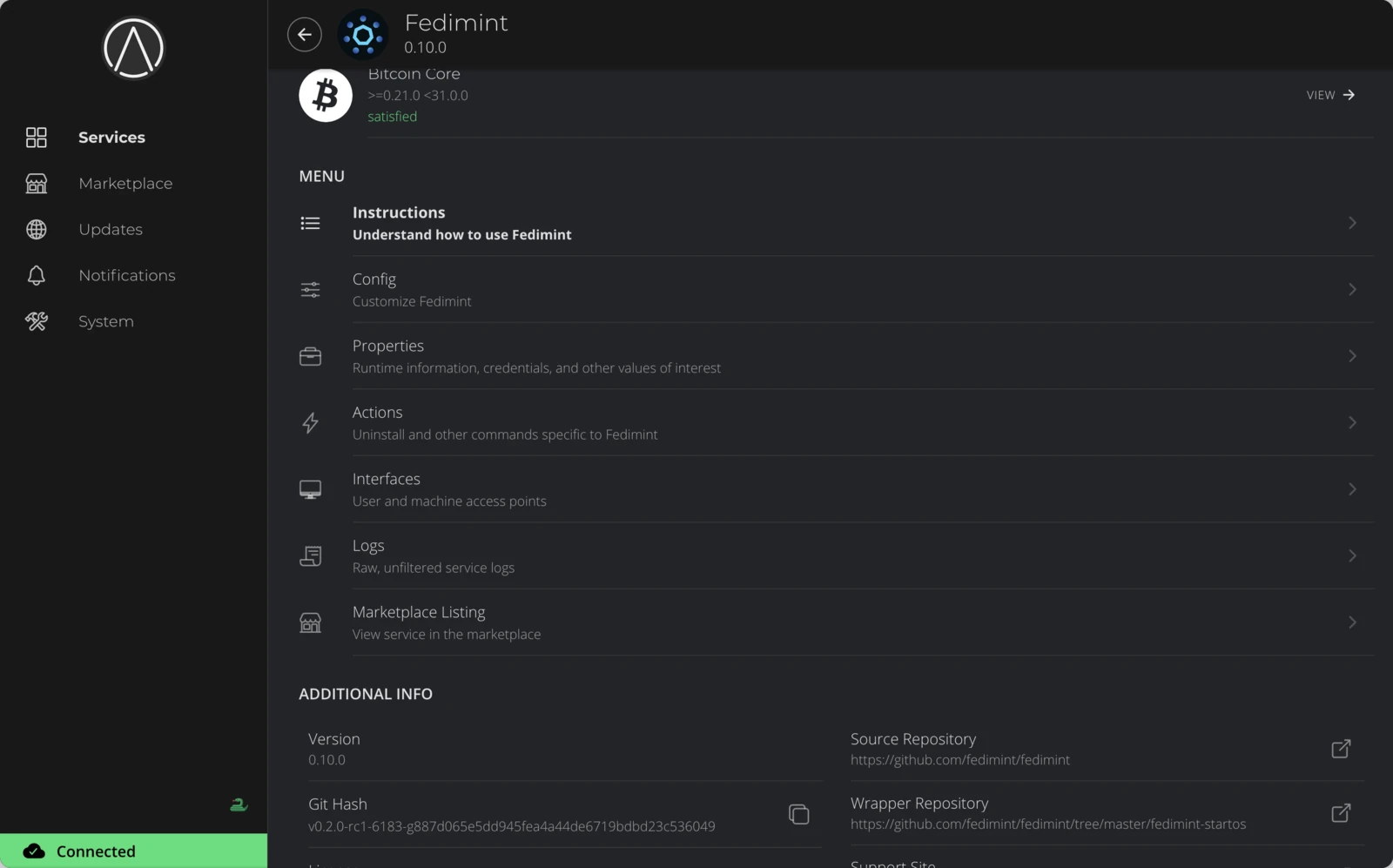
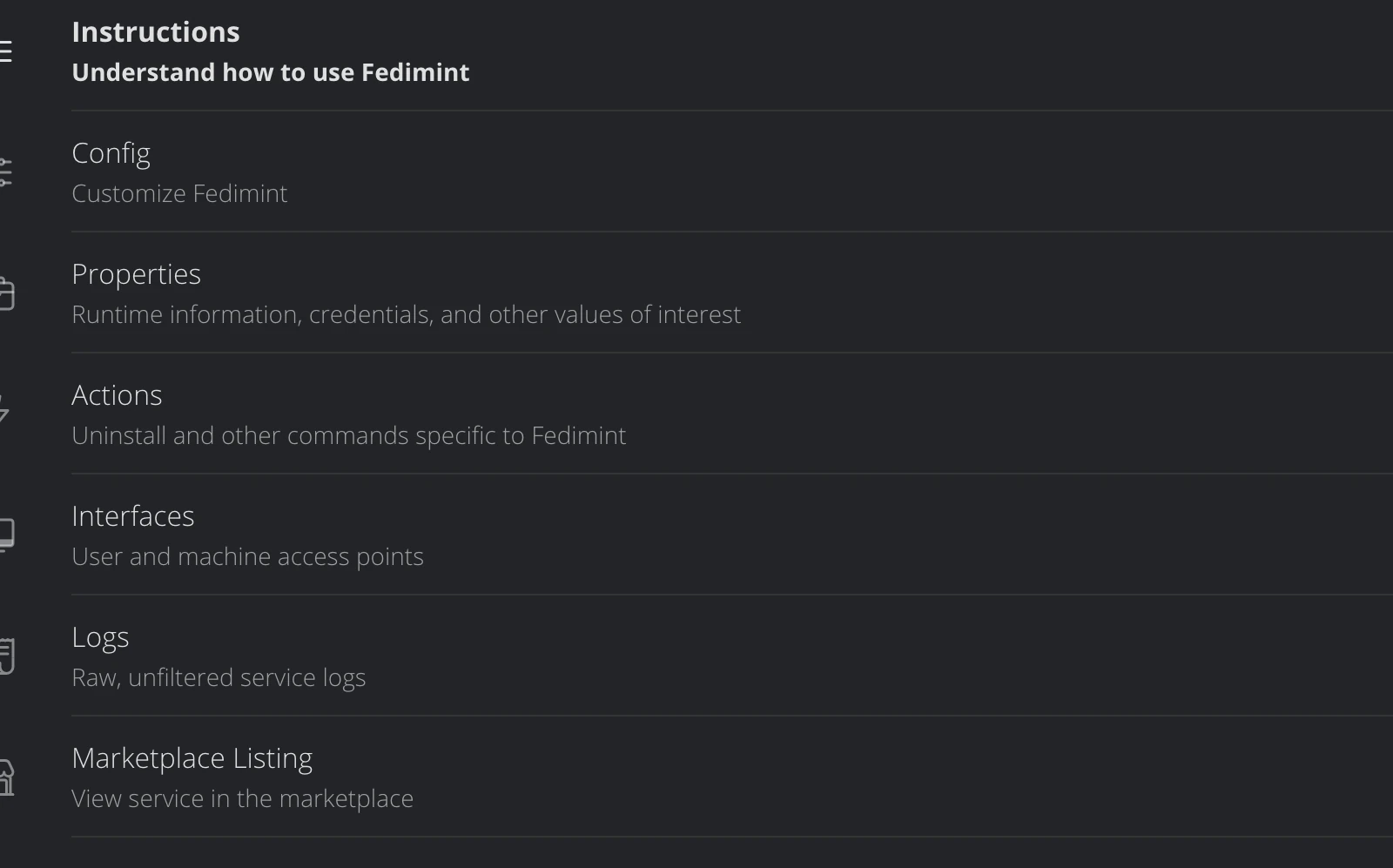
The service page shows the current status, health checks, and a Menu section with:
- Config — change the backend type or log directives
- Properties — view runtime information and credentials
- Actions — uninstall the service
- Interfaces — view network access points for the Guardian UI
- Logs — view raw service logs
Start, stop, and restart
Service controls
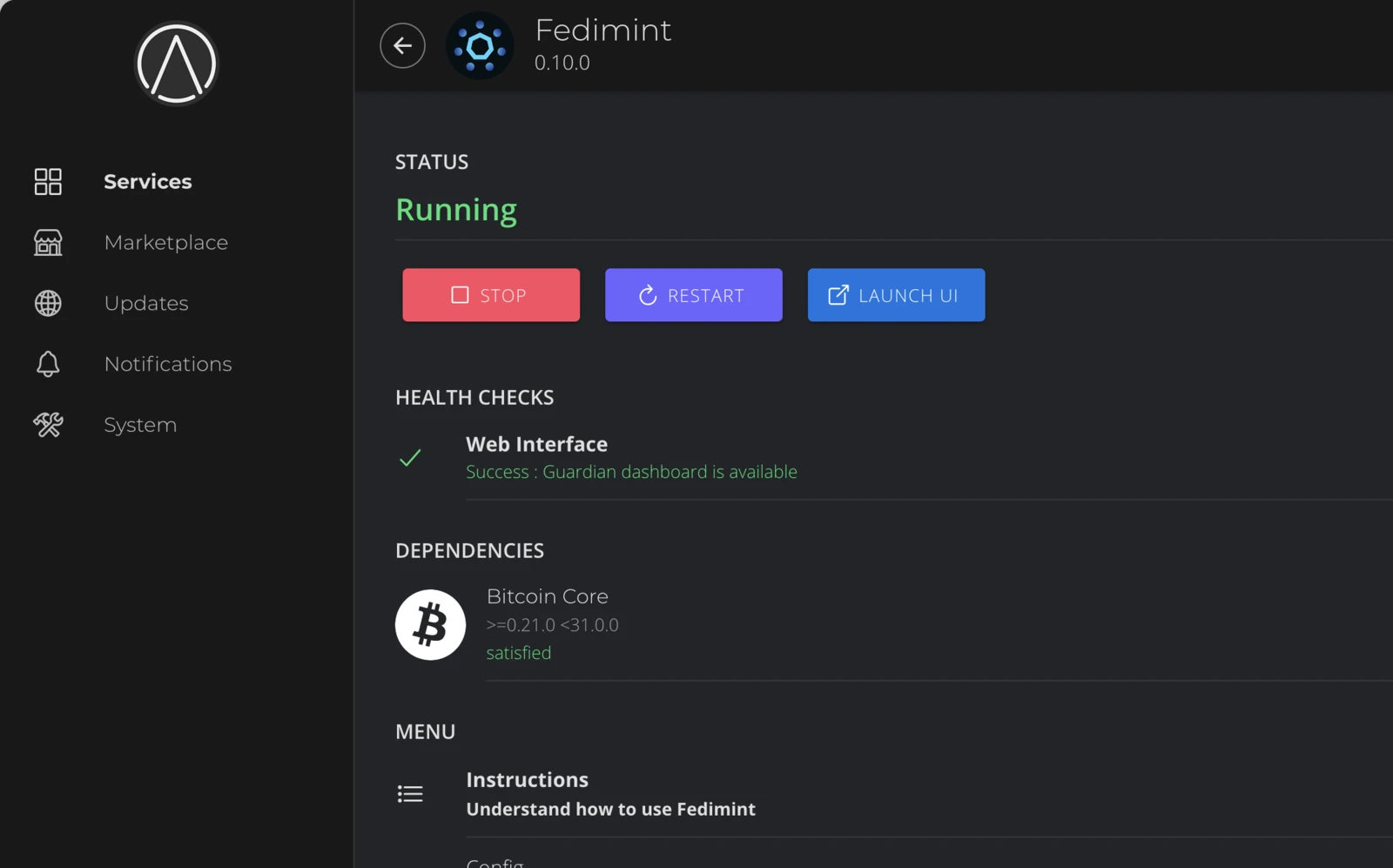
When Fedimint is running, the service page shows Stop, Restart, and Launch UI buttons at the top. Use these to control the service or re-open the Guardian UI.
Change configuration
Config
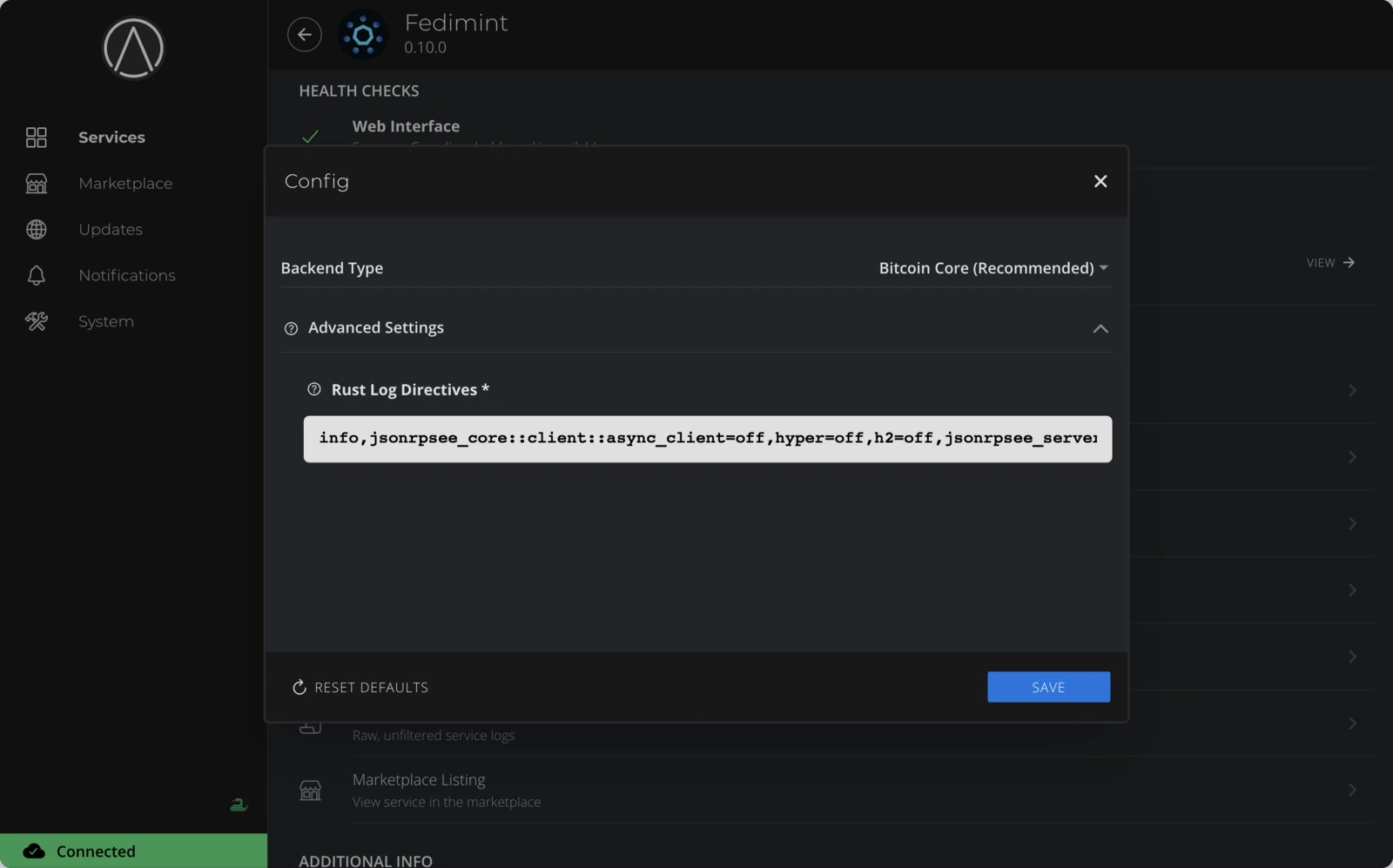
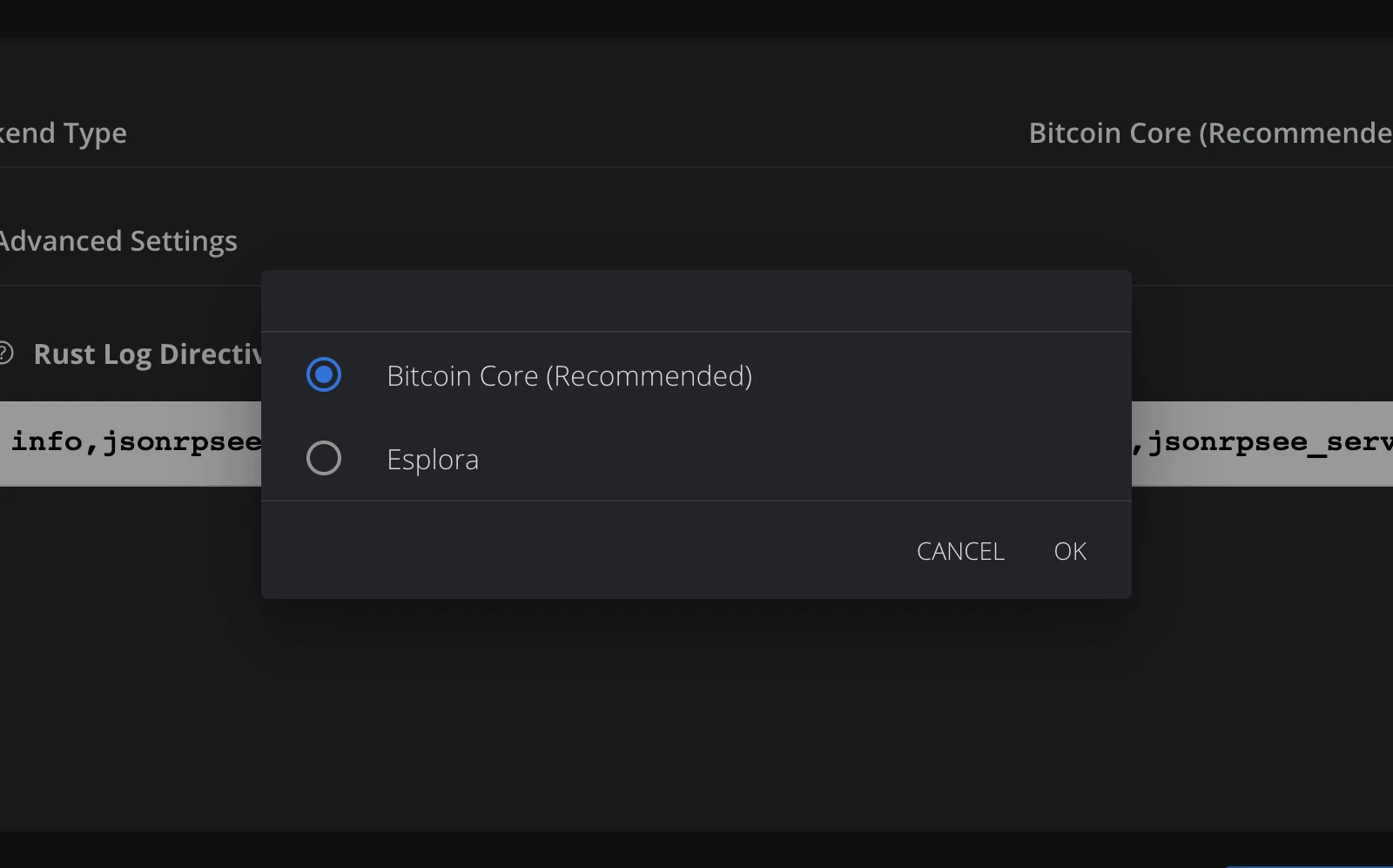
Select Config from the menu. You must stop the service before making changes — click Save and restart when done.
- Backend Type
- Bitcoin Core (Recommended) — connects to a local Bitcoin node on your Start9 server (Bitcoin Core or Bitcoin Knots).
- Esplora — connects to an external block explorer API (e.g.
https://mempool.space/api). No local node required — useful for quick setup or testing.
- Advanced Settings
- Rust Log Directives — adjust log verbosity (e.g.
info,fm::server=debug,fm::consensus=trace).
- Rust Log Directives — adjust log verbosity (e.g.
View logs
Service Logs
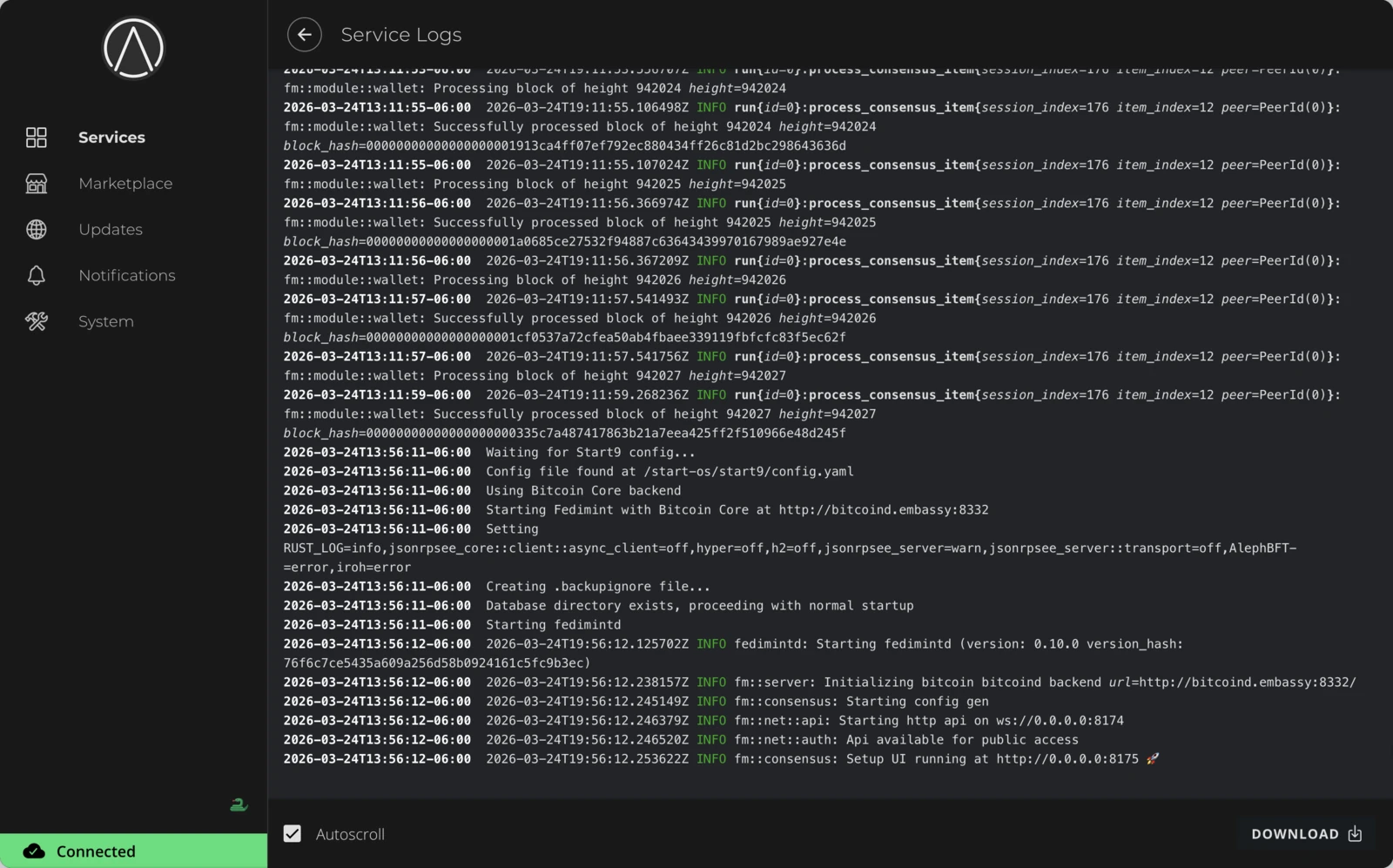
Select Logs from the menu to view raw service output. Click Download to export them.
Remove Fedimint
To uninstall, select Actions from the menu and click Uninstall.
Uninstalling permanently deletes all Fedimint data including federation keys. Make sure you have coordinated with your co-guardians before removing a guardian node.
Advanced access
StartOS supports SSH access to the server and direct container access for advanced debugging.
SSH terminal
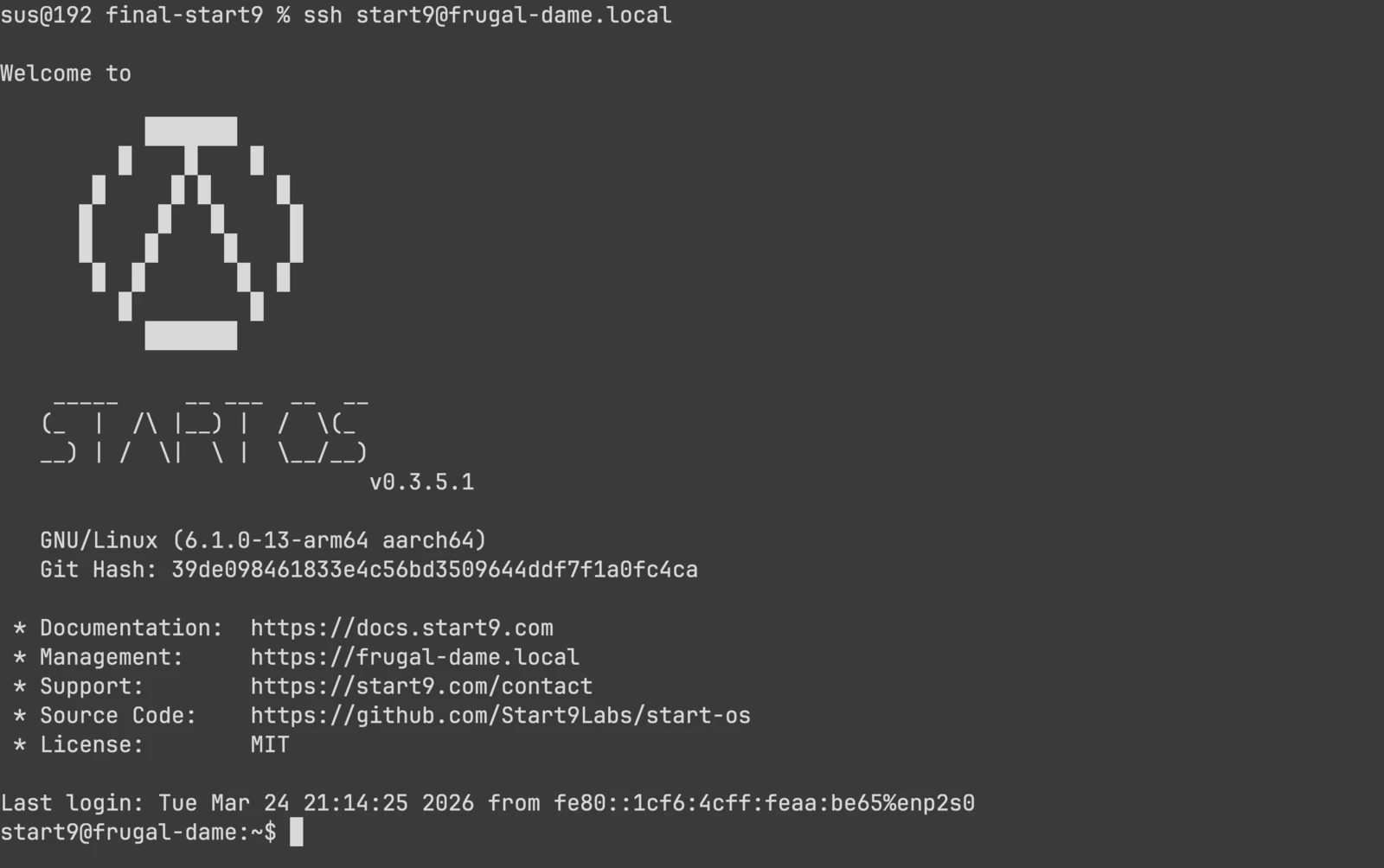
Connect to your Start9 server over SSH using its .local hostname. From here you can inspect system state, view container status, and access the Fedimint container. See the StartOS SSH guide for setup instructions.
Fedimint container shell
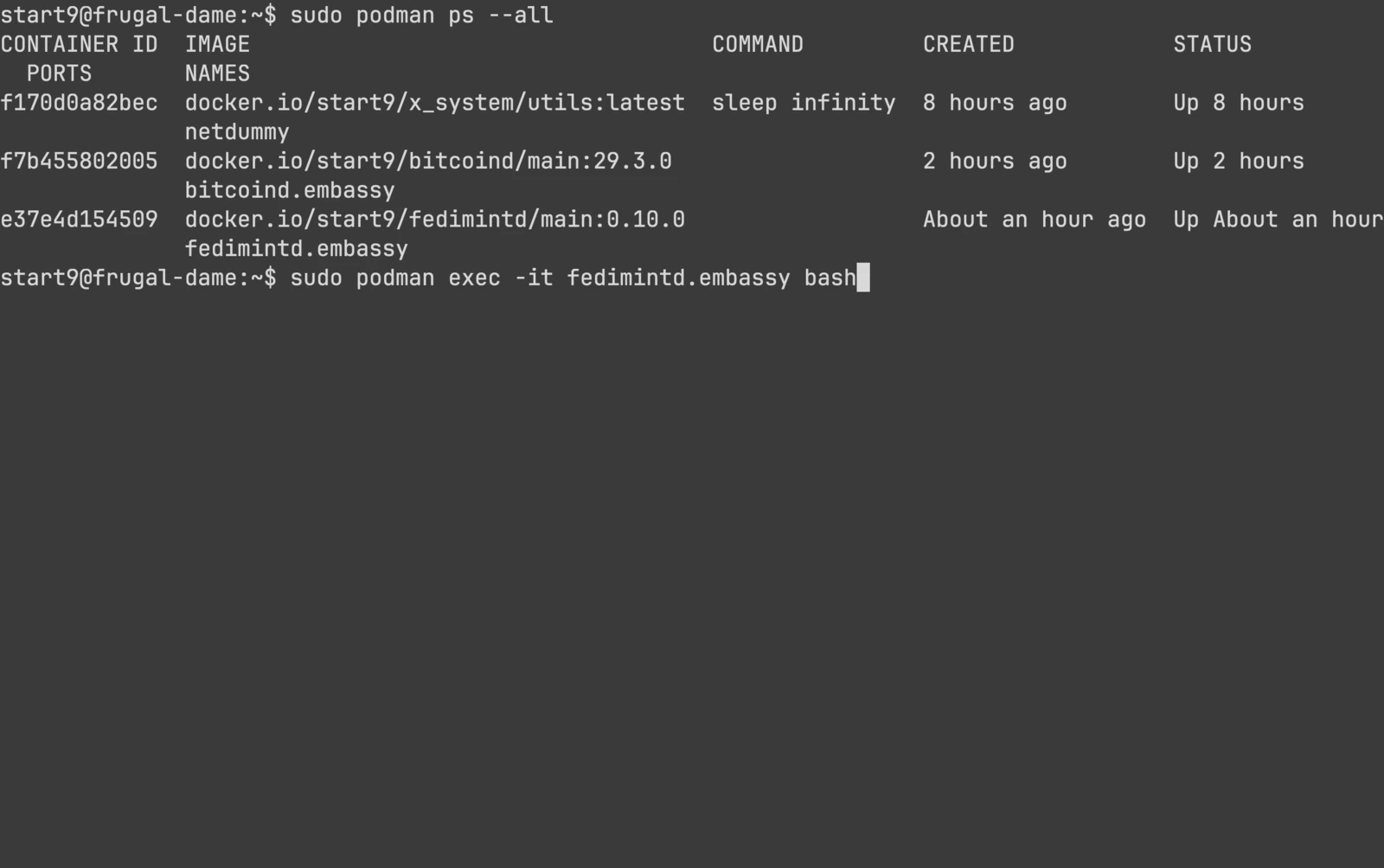
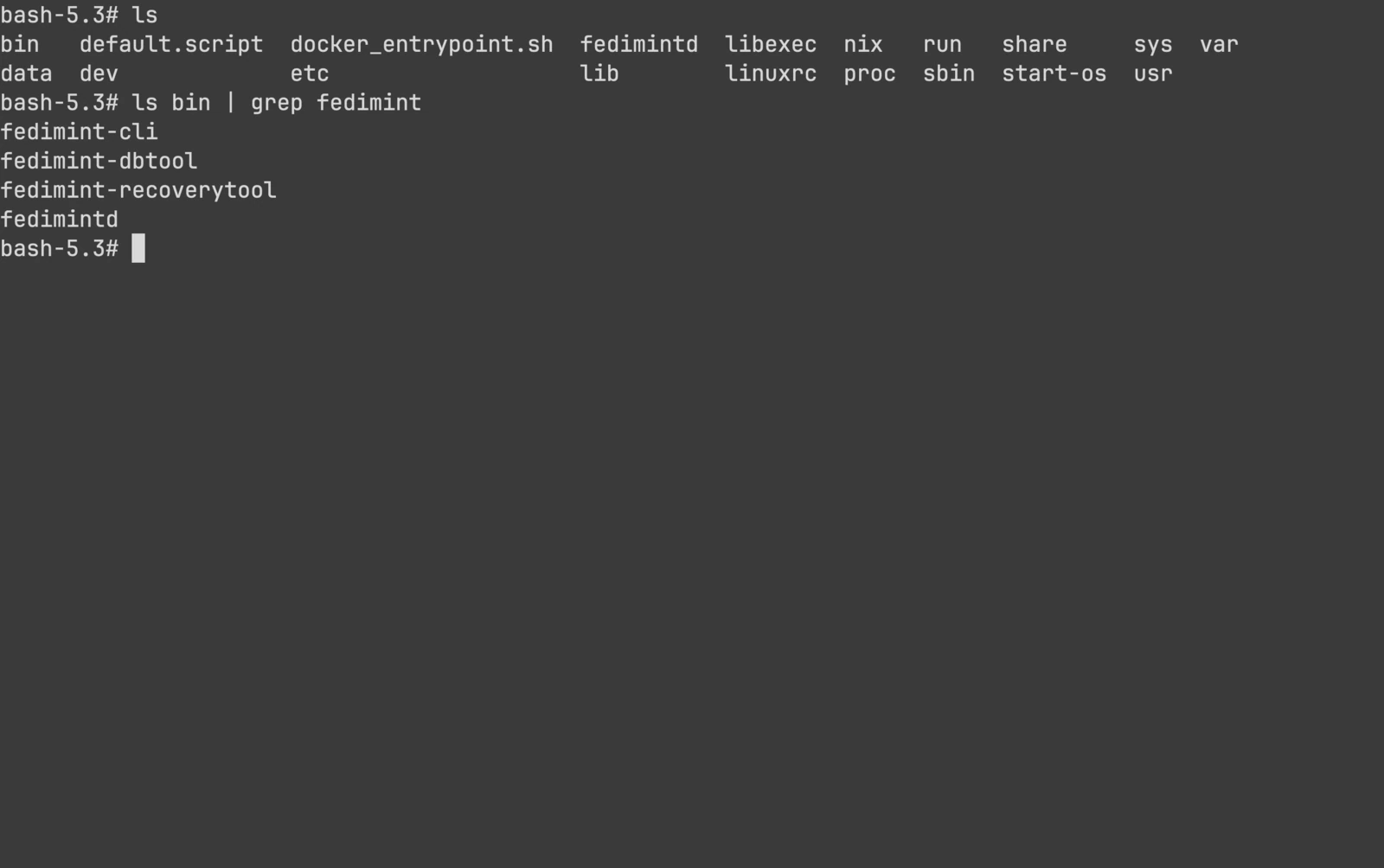
From the SSH terminal, list running containers with sudo podman ps --all, then enter the Fedimint container:
sudo podman exec -it fedimintd.embassy bash
Inside the container you have access to fedimint-cli, fedimint-dbtool, fedimint-recoverytool, and more. See the StartOS container access guide for more details.